The allure of the digital nomad lifestyle is undeniable. The freedom to work from a beachside cafe in Bali one month and a bustling coworking space in Lisbon the next is a dream many are actively chasing.
However, the reality of this lifestyle hinges not just on your location, but on your ability to maintain productivity anywhere. A robust, reliable remote work setup is the foundation upon which successful location-independent careers are built.
Transitioning from a static home office setup to a fully mobile rig requires careful consideration. You aren’t just buying gadgets; you are investing in your ability to earn an income while on the road. The market is flooded with travel tech gear, making it difficult to distinguish essential tools from dead weight.
Whether you are a seasoned traveler looking to upgrade your kit or just figuring out how to choose a laptop for remote work, this guide breaks down the essential components of a high-performance mobile office.
We will explore the best laptops, ergonomic peripherals, connectivity solutions, and the luggage designed to carry it all.
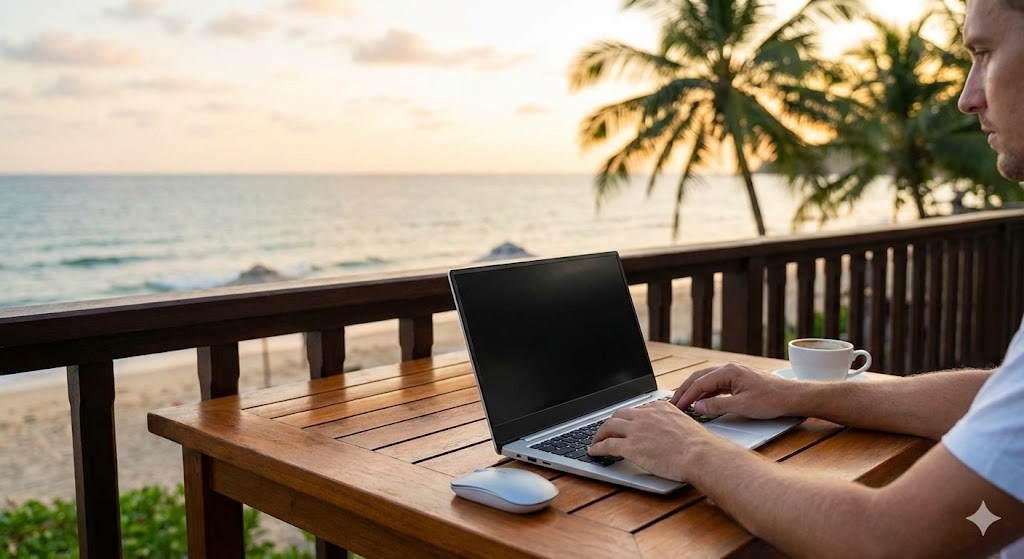
The Core of Your Mobile Office: Choosing the Right Laptop
Your laptop is your livelihood. It is the single most critical piece of remote work gear you will own. The best laptop for remote work needs to strike a delicate balance between performance, portability, and battery life.
A machine that is too heavy will become a burden during transit, while one that is underpowered will hinder your productivity.
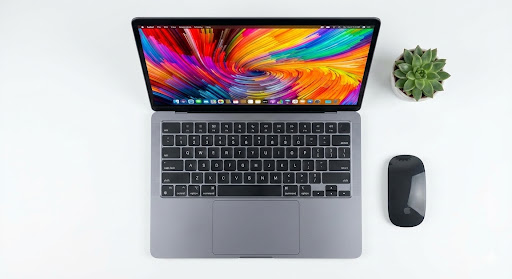
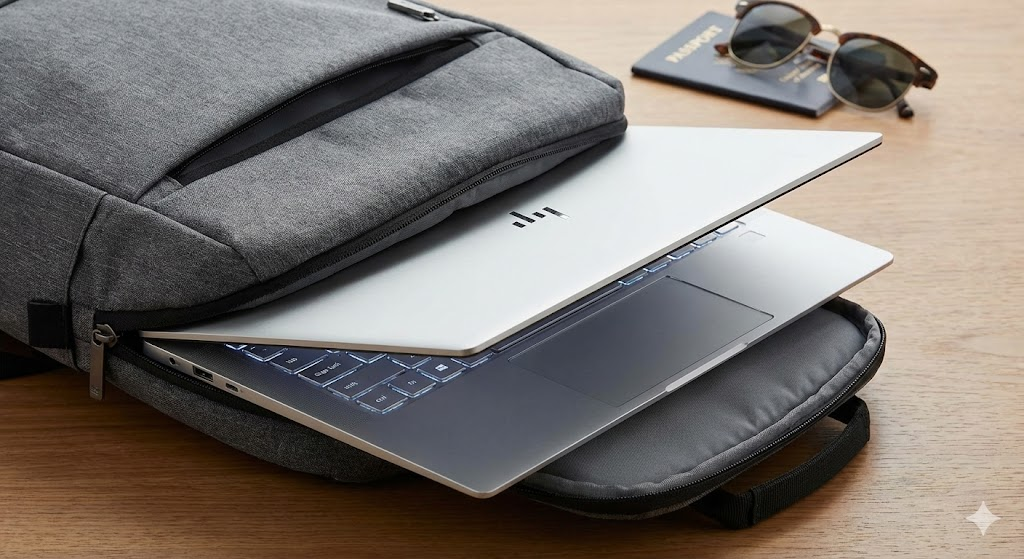
For most nomads, a lightweight laptop for travel is non-negotiable. The best ultrabook models from manufacturers like Apple, Dell, and Lenovo are designed specifically for this purpose, offering powerful processors in incredibly slim chassis. When considering your options, the MacBook Air vs MacBook Pro debate is a common one.
The Air’s fanless design and exceptional battery life make it a top contender for writers and marketers, while the Pro’s active cooling and more powerful chip options are better suited for designers and video editors requiring sustained performance.
If you’re working with a tighter budget, don’t worry. You can find an excellent best laptop under $1000 that doesn’t sacrifice too much on build quality or performance.
Look for models with at least an Intel Core i5 or AMD Ryzen 5 processor, 16GB of RAM, and a 512GB SSD to ensure your machine can handle multitasking and demanding applications for years to come. Ultimately, the best laptop for digital nomads is one that you can rely on day in and day out, no matter where in the world you are.
Staying Powered and Connected: Essentials for the Road
Once you have your laptop sorted, the next hurdle is ensuring it—and you—remain operational. The most powerful laptop on earth is a useless brick without power, and a digital nomad without internet is simply a tourist.
Navigating the world of different power outlets and unreliable Wi-Fi is a core skill of the digital nomad lifestyle, and having the right travel tech gear can make all the difference between a productive day and a stressful one.
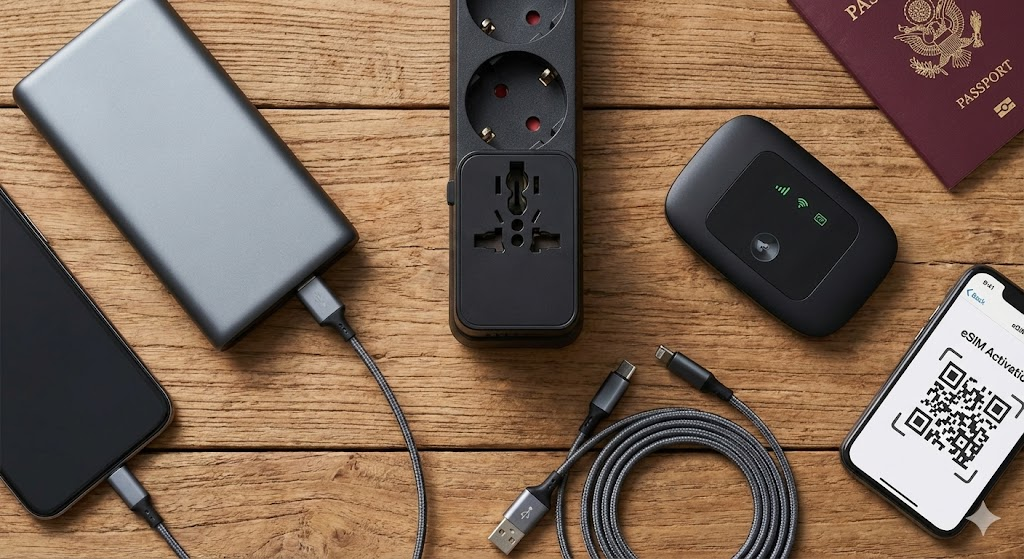
First and foremost, a high-quality universal travel adapter is not optional; it’s mandatory. Forget carrying a bag of different plugs for every continent. A single, well-built adapter with multiple USB ports can charge your laptop, phone, and camera simultaneously from almost any outlet in the world.
Pair this with a robust portable charger. When you’re on a 12-hour train ride or stuck in an airport with no free outlets, the best power bank—ideally one with enough output to charge your laptop via USB-C—is a literal lifesaver. It buys you peace of mind, knowing you’re never more than a cable away from a full battery.
But power is only half the battle. Reliable internet is the other. While many rely on cafe or hotel Wi-Fi, these can be slow, insecure, or nonexistent. For a truly professional remote work setup, you need redundancy. A dedicated portable WiFi hotspot with a local SIM card provides a secure, personal connection that you don’t have to share with a hundred other people.
Alternatively, a travel router can take a weak public Wi-Fi signal or a wired Ethernet connection and turn it into a strong, private network for all your devices. For instant connectivity upon arrival, the rise of eSIM technology has been a game-changer. Finding the best eSIM for travel means you can download a data plan before your plane even lands, skipping the airport SIM card kiosk queue entirely.
Peripherals and Accessories for Ergonomics and Productivity
While a laptop and internet connection are the bare essentials, they don’t constitute a sustainable long-term remote work setup.
Hunching over a laptop screen at a tiny cafe table for eight hours a day is a one-way ticket to back pain and repetitive strain injuries. To build a truly productive mobile office, you need to invest in peripherals that prioritize ergonomics and efficiency.
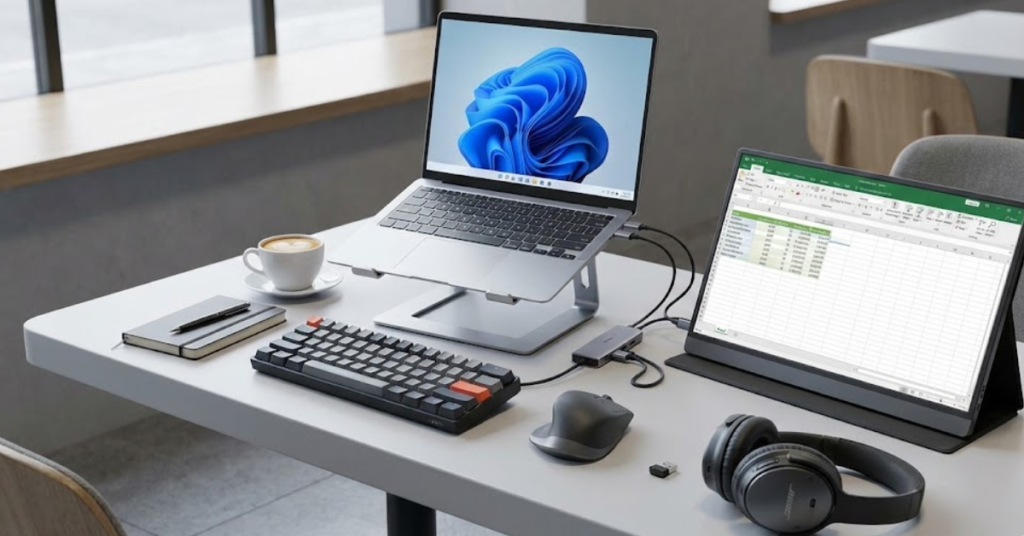
The single biggest upgrade to your mobile workflow is an additional screen. A lightweight portable monitor can double your digital workspace, allowing you to have research open on one screen while you write code or craft emails on the other.
It’s a game-changer for multitasking. Pair this with a sturdy, foldable laptop stand to elevate your screen to eye level, correcting your posture and preventing neck strain. This simple addition can make a world of difference in your daily comfort.
Next, consider your input devices. The trackpad and keyboard on even the best laptops are a compromise for portability. A compact, high-quality wireless mouse is far more precise and ergonomic for extended use.
For writers, coders, and anyone who types all day, a compact mechanical keyboard can be a revelation. The tactile feedback and improved key travel can significantly boost your typing speed and reduce fatigue. There are many low-profile, travel-friendly options available that won’t weigh down your bag.
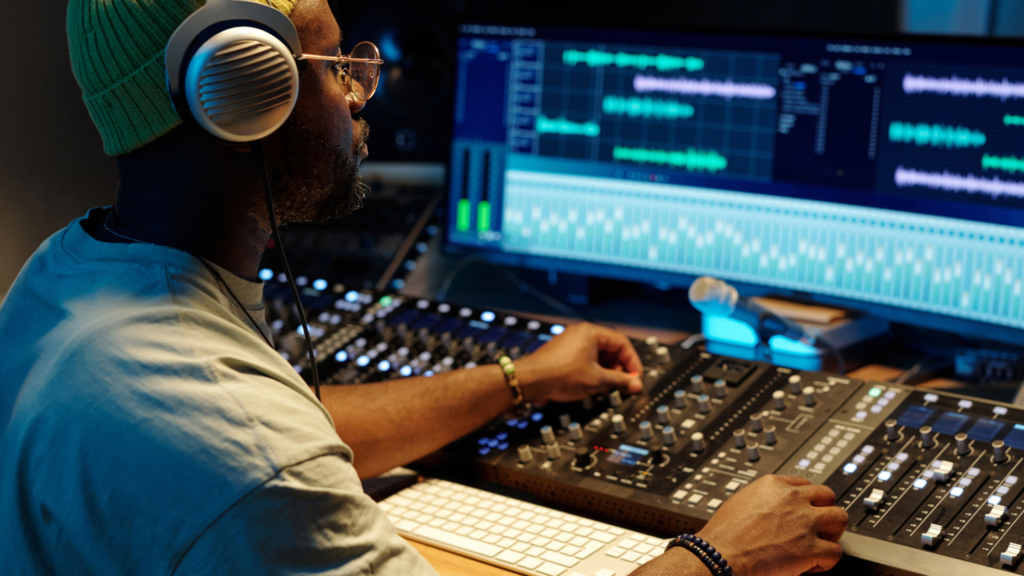
Maintaining focus in noisy environments like cafes, airports, or even coworking spaces can be a challenge. A good pair of active noise canceling headphones is essential for blocking out distractions and creating a personal zone of concentration. For those who prefer a more minimalist approach, high-quality wireless earbuds with noise-canceling features are a fantastic, ultra-portable alternative.
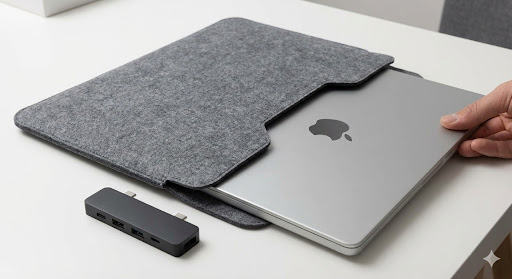
Finally, with modern ultrabooks shedding ports in favor of slim designs, a multi-port USB-C hub is a must-have accessory. It allows you to connect your external monitor, mouse, keyboard, and other peripherals, all through a single port on your laptop, effectively turning your portable machine into a powerful desktop workstation in seconds.
Carrying It All: The Quest for the Best Travel Backpack
You can have the most advanced remote work setup in the world, but if you can’t transport it comfortably and safely, it’s a liability. Your backpack is your mobile office’s shell. It needs to protect expensive electronics from drops and weather, fit within airline carry-on limits, and be comfortable enough to haul across a cobbled European city or a sandy island path.
Finding the best travel backpack is often a journey of trial and error, but knowing what to look for can save you a lot of back pain.
For the minimalist nomad who travels light, a dedicated laptop backpack with a capacity of 20-30 liters is usually sufficient. Look for a tech backpack specifically designed with padded compartments for your laptop and tablet, as well as organized pockets for your cables, chargers, and hard drives.
Brands like Peak Design and Aer excel in this space, offering sleek, urban aesthetics combined with extreme functionality.
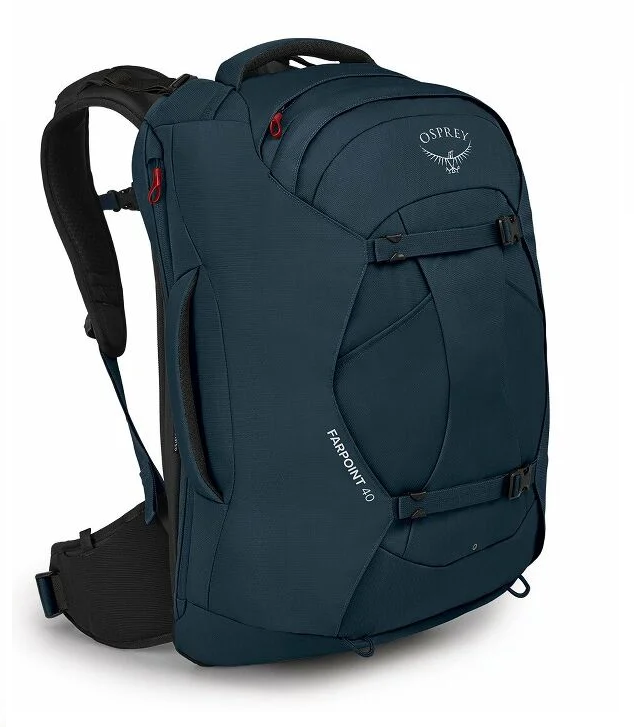
If you are living out of your bag indefinitely, a carry on backpack in the 40-liter range is the gold standard. This size maximizes what you can bring without checking a bag—a crucial strategy for avoiding lost luggage and hefty fees. The best backpack for digital nomads in this category often features a clam-shell opening (like a suitcase) for easy packing, a comfortable hip belt to distribute weight, and a suspended laptop sleeve to prevent impact damage.
For content creators carrying drones, heavy lenses, and gimbals, a standard bag won’t cut it. You need a specialized camera backpack with customizable dividers and quick-access panels. These bags prioritize gear protection above all else, often featuring reinforced exteriors and weather-resistant materials to keep your livelihood safe during a sudden tropical downpour.
The Digital Nomad Ecosystem: Visas, Locations, and Logistics
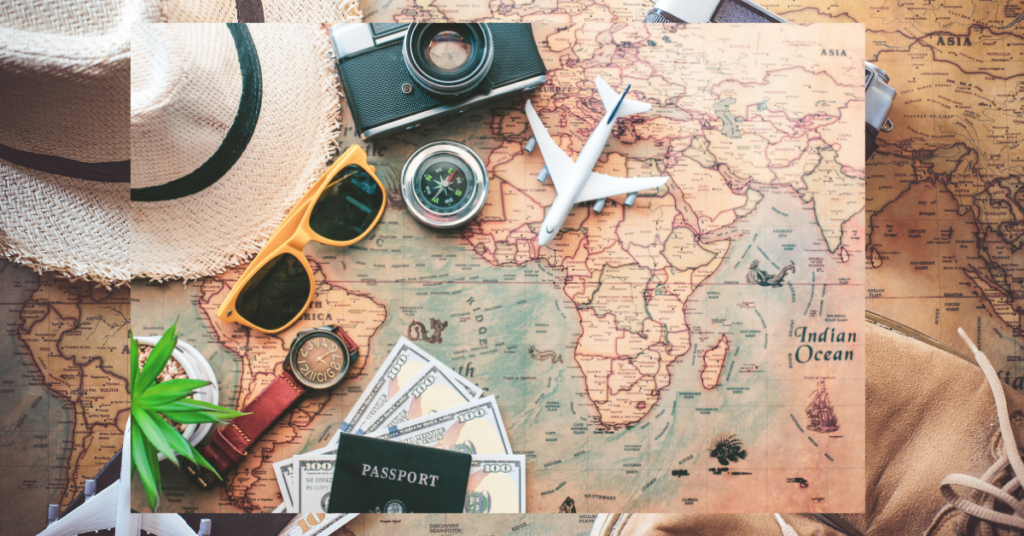
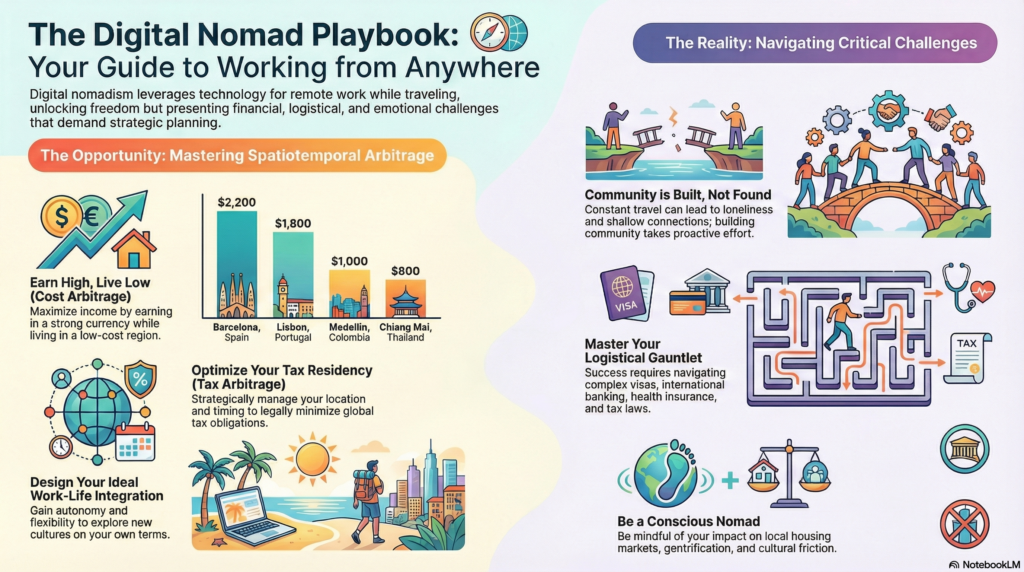
Having the right gear is only the first step; knowing where to go and how to legally stay there is the next frontier. The landscape of international travel has shifted dramatically, with countries now competing to attract remote workers through specialized digital nomad visa programs. These visas bridge the gap between a standard tourist entry and full residency, allowing you to legally live and work in a country for a year or more.
When scouting the best countries for remote work, infrastructure is key. For Digital nomads Portugal has become a massive hub, thanks to its D7 visa, affordable cost of living, and vibrant tech community in Lisbon and Madeira. Similarly, Southeast Asia remains a rite of passage. Digital nomad Thailand life (specifically Chiang Mai and Bangkok) and digital nomad Bali life offer an unbeatable combination of tropical lifestyle, low costs, and high-speed internet. These locations are teeming with every coworking space imaginable, from beachfront bamboo structures to high-end, air-conditioned offices in the city center.
Finding these hotspots is easier than ever with the right remote work tools. Beyond just hardware, your software stack defines your efficiency. Essential productivity apps for remote work like Notion for organization, Slack for communication, and Zoom for meetings are the glue that holds distributed teams together. However, rely on location-specific apps as well—using heavy-hitters like Nomad List to filter the best cities for digital nomads based on internet speed, safety, and air quality can save you from booking a month-long stay in a location with unusable Wi-Fi.
Tailoring Your Tech: Gear for Every Profession and Budget
There is no “one size fits all” when it comes to the digital nomad lifestyle. A freelance writer has vastly different needs than a 3D animator. Understanding your specific use case is the key to building a remote work setup that empowers you without weighing you down.
For the creative professionals, power is paramount. If you are searching for the best laptop for video editing on the go or a laptop for graphic design, you cannot compromise on specs. You need a machine with a dedicated graphics card, a color-accurate high-resolution display, and at least 32GB of RAM. The best laptop for content creators often overlaps with high-end gaming laptops or the top-tier MacBook Pro models. Conversely, if you are a developer, your priority for a laptop for coding and programming will likely be a top-tier processor and an excellent keyboard.
On the other hand, if your work revolves primarily around email, web-based tools, and communication, you might not need a powerhouse. A reliable laptop for Zoom calls just needs a decent webcam and microphone. In fact, many budget-conscious travelers debate Chromebook vs laptop for remote work. If your entire workflow exists within a browser, a high-end Chromebook can be a lightweight, secure, and affordable alternative to a traditional Windows or Mac machine.
regardless of your profession, storage is a critical consideration. The debate of SSD vs HDD for laptops is settled for travelers: always choose SSD. Traditional spinning hard drives (HDD) are prone to failure if dropped or jostled—a common occurrence on the road. A fast, rugged portable SSD is essential for backing up your work.
Finally, smart nomads know when to buy. Timing your big purchases can save you hundreds of dollars. Keep an eye out for Black Friday laptop deals in November and Amazon Prime Day tech deals in July. even the back to school laptop sales in August and September can yield incredible discounts on premium gear. These seasonal events are the perfect opportunity to grab the best tech gifts for yourself or your fellow travelers, upgrading your kit for a fraction of the cost.
The Devil is in the Details: Accessories That Upgrade Your Workflow
While the big-ticket items like laptops and backpacks get all the glory, experienced nomads know that the difference between a chaotic workspace and a zen-like flow often lies in the smaller accessories. These are the unsung heroes of the digital nomad lifestyle, the items that keep you professional and organized when chaos reigns around you.
Let’s talk about video calls. The built-in webcam on your laptop is likely passable, but “passable” doesn’t scream professional. If you are pitching clients or managing a team, presentation matters. Investing in a dedicated webcam for remote work can dramatically improve your image quality, making you look sharper and more present. Lighting is equally crucial; a dark, grainy video feed can subconsciously signal a lack of professionalism. A small, clip-on ring light is a cheap, portable solution that ensures you are always well-lit, even if you are taking a call from a dimly lit Airbnb in rainy London.
As your gear collection grows, so does the tangle of wires in your bag. There is nothing frustrating than spending ten minutes untangling a charger when you have a meeting in five. A dedicated cable organizer is essential. These simple pouches with elastic loops keep your charging cables, dongles, and memory cards neatly arranged and instantly accessible.
For those who treat their temporary residence as a serious office, a docking station is the ultimate luxury. Unlike a simple USB-C hub, a powered dock can drive multiple external monitor setups, charge your laptop at full speed, and connect all your peripherals with a single cable. It allows you to sit down, plug in one cord, and instantly have a fully functional desktop environment.
Connectivity Deep Dive: Navigating the World of eSIMs
In the past, landing in a new country meant a frantic hunt for a local SIM card kiosk, often involving language barriers, passport scans, and exorbitant tourist pricing. Today, the digital nomad lifestyle has been revolutionized by the eSIM. An embedded SIM allows you to activate a cellular plan from a carrier without having to use a physical nano-SIM. For frequent travelers, this is arguably the most significant advancement in travel tech gear in the last decade.
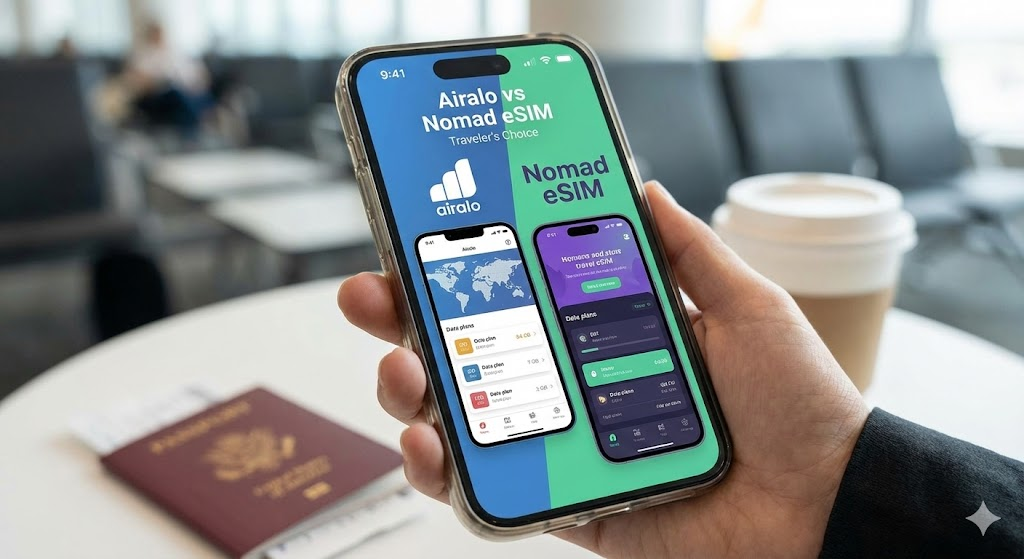
The market is now competitive, with providers vying for the title of best eSIM for travel. The two heavyweights most nomads debate are Airalo vs Nomad eSIM. Both offer user-friendly apps that allow you to browse data plans by country or region, purchase them instantly, and activate them via QR code.
Nomad eSIM review discussions often highlight their clean interface and competitive pricing in Asian markets, making them a favorite for those heading to digital nomad Thailand or Bali. On the other hand, Airalo often has broader global coverage and regional packages that cover entire continents—perfect if you are hopping between European countries on a digital nomad visa.
Regardless of which brand you choose, investing in an international eSIM plan provides a layer of security. It ensures that the moment your plane touches the tarmac, you have data to call an Uber, check Google Maps, or message your Airbnb host. It eliminates the “connectivity gap” that often causes stress during arrival. For those who demand maximum redundancy, keeping a physical SIM slot open for a cheap local number (for food delivery apps that require local SMS verification) while using an eSIM for bulk data is often the pro strategy.
Creating a Healthy Workspace: The Art of Ergonomics
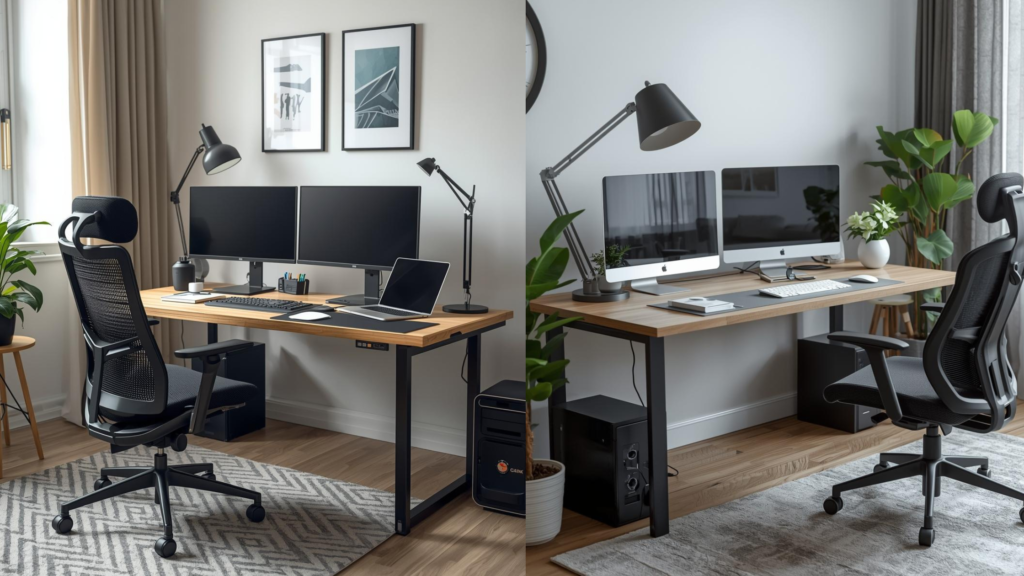
It is easy to romanticize the image of working from a hammock, but seasoned nomads know that is a recipe for chronic pain. Sustainability in the digital nomad lifestyle depends on your physical health. If you are in pain, you cannot code, write, or design. This is why replicating a proper ergonomic setup for remote work is just as important as the specs of your laptop.
When you arrive at a new Airbnb or hotel, the first task is to assess your workspace. Often, you will find dining tables that are too high or chairs that offer zero lumbar support. This is where your travel tech gear shines. Deploy your laptop stand immediately to raise the top of your screen to eye level. This simple action prevents the “tech neck” hunch. Since your keyboard is now elevated and unusable, connect your mechanical keyboard and wireless mouse.
If you are using a portable monitor, place it directly next to your laptop screen at the same height and angle to minimize neck rotation. If the chair is lacking, get creative—use pillows for lumbar support or even stacks of books to raise your seat height. The goal is to maintain 90-degree angles at your elbows and knees. Learning how to set up a mobile office quickly and effectively ensures that you can put in a full eight-hour day without feeling like you’ve run a marathon.
The Final Checklist: What to Pack for the Long Haul
As you finalize your kit, it’s easy to obsess over the big items and forget the small essentials that keep the machine running. When asking yourself what to pack for digital nomad life, think about redundancy and maintenance.
Always pack a small microfiber cloth and a screen cleaning solution; dust and salt spray (if you’re near the ocean) are enemies of electronics. A few spare USB-C to USB-A adapters are worth their weight in gold, as are extra camera batteries if you are a creator. Don’t forget a basic first-aid kit for your tech: a small screwdriver set for tightening loose hinges on your laptop stand or opening up a case to clean out dust.
Finally, consider the security of your gear. A small padlock for your backpack zippers can deter opportunistic thieves in transit. If you are staying in hostels, a cable lock to secure your bag to a fixed object is a smart addition to your best tech gear for digital nomads list.

Conclusion: Your Office is Where You Park It
Building the ultimate remote work setup is a journey, not a destination. Your needs will evolve as you travel, upgrade your skills, and discover new destinations. You might start with a budget best laptop under $1000 and a simple backpack, eventually upgrading to a high-powered MacBook Pro and a full suite of travel tech gear as your income grows.
The key is to prioritize gear that solves specific problems for you. Whether it’s a noise canceling headphone set to focus in chaotic cafes, a travel router to secure your connection, or simply the best travel backpack to carry it all comfortably, every item should earn its place in your bag. The world is open, the internet is (mostly) fast, and with the right gear, your office can truly be anywhere you choose.